High Desert Institute
Hacking Weather Satellite Uplink
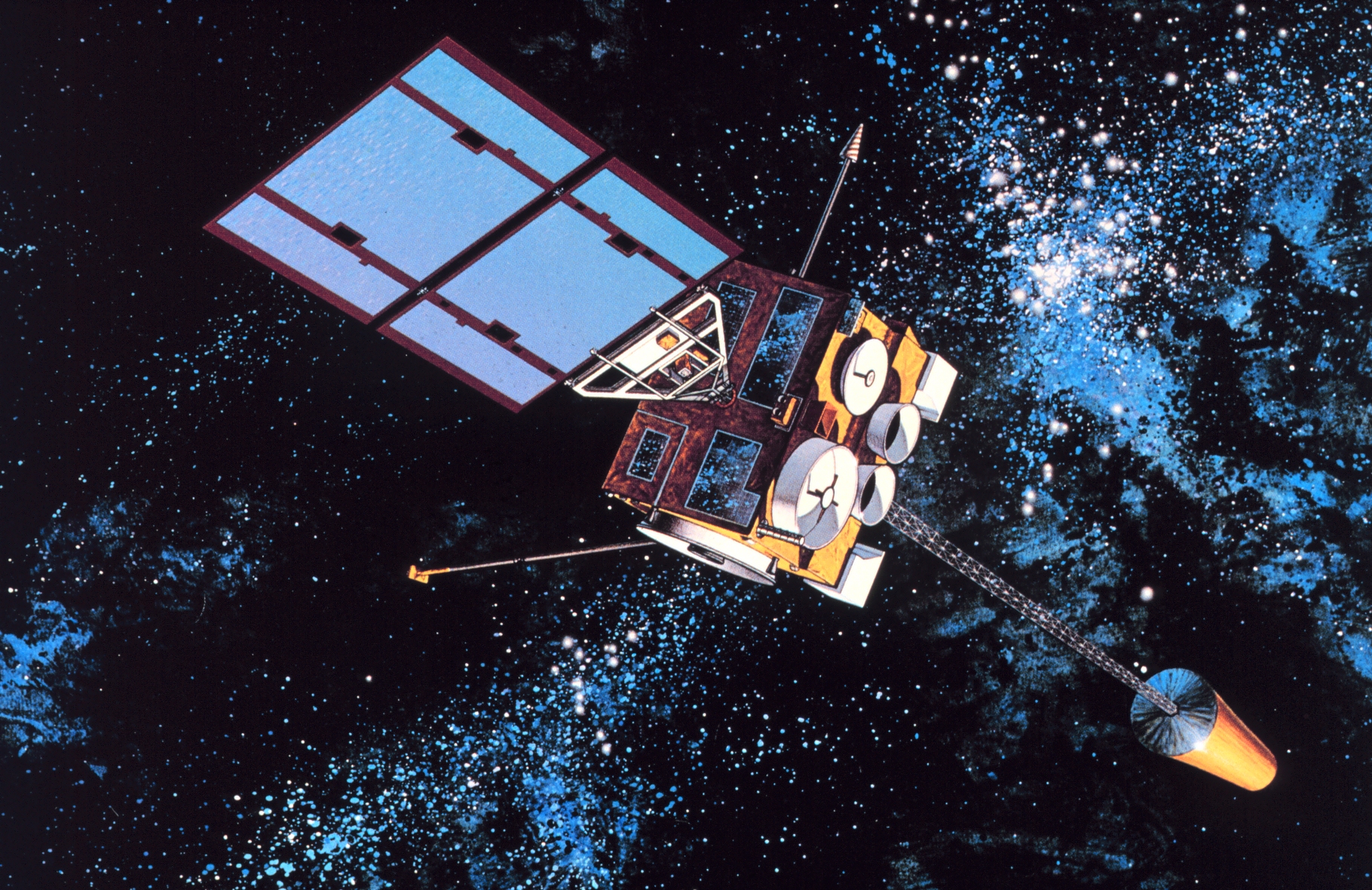
Hacking Weather Satellite Uplink
This project focuses on building systems to receive weather imagery and data directly from GOES geostationary satellites without relying on the internet.
Did you know?
Regardless of what app or service you use to check the weather, virtually all of that information originates from the National Oceanic and Atmospheric Administration (NOAA). As noted in this discussion, this data is a public good freely available to everyone.
NOAA broadcasts this data continuously from a pair of satellites in geostationary orbit—GOES-East and GOES-West—positioned over the east and west coasts of the United States. This project is about cutting out the middleman and receiving that broadcast directly, without needing any kind of internet connection or cellular service.
Concept
The core idea is inspired by the work of saveitforparts and utilizes cheap, repurposed robotic RV satellite dishes. These dishes formed a large industry for mobile TV reception before Starlink, and many can be scavenged or found on marketplace or at thrift stores for $20-30. We can modify them to work as free uplinks to NOAA weather satellites.
What is a Geostationary Satellite?
Most satellites zip across the sky, meaning you only get a signal for the 10 or 15 minutes they are overhead. To get data from them, you need a motorized tracker or a lot of patience.
A geostationary satellite is different. It orbits 22,236 miles above the equator—exactly the altitude where its orbital speed matches the rotation of the Earth. From your perspective on the ground, it appears to hover perfectly still in the sky, 24/7.
Why does this matter? This makes it incredibly easy to “hack.” You don’t need expensive motors or complex tracking software. You just point your dish at that one fixed spot in the sky, lock it down, and you have a permanent, always-on connection to the data stream.
Capabilities
Pointing a dish at a GOES (Geostationary Operational Environmental Satellite) allows you to intercept a high-speed digital “firehose” of real-time meteorological, solar, and emergency data covering the entire Western Hemisphere.
1. High-Resolution Imagery
The satellite’s Advanced Baseline Imager (ABI) provides visible and infrared views of Earth. This isn’t just a broad view of the continent; it is precise enough to see individual cloud formations over your neighborhood with a resolution of 0.5 km per pixel. While it captures the “Full Disk” every 10–15 minutes, it also provides Mesoscale updates every 30 to 60 seconds for specific regions experiencing active weather like hurricanes or wildfires.
2. Localized Weather Forecasts & Alerts
Through the EMWIN (Emergency Managers Weather Information Network) stream, the satellite broadcasts over local weather forecast and emergency alert data for every county in the US. Even though the signal is continent-wide, it contains:
- Hyper-Local Data: Text forecasts and “Zone Forecasts” for every county in the U.S.
- Instant Alerts: Real-time tornado, flood, and severe thunderstorm warnings as they are issued by local NWS offices.
- Station Reports: Current conditions (wind, temp, pressure) from thousands of local airports and remote sensors.
3. Space Weather & Environmental Data
The satellite also monitors the sun and the space environment to track solar flares and radiation hazards using its Magnetometer and Extreme Ultraviolet Sensors. Additionally, it relays data from the Geostationary Lightning Mapper (GLM), which tracks every lightning bolt in real-time, and acts as a relay for Search and Rescue (SARSAT) distress signals.
4. Analogies for Understanding
- The “Firehose”: Imagine a firehose of digital data raining down on the whole continent. Everyone gets wet with the same water, but you use a bucket (your software) to catch only the drops meant for your specific town.
- Radio vs. Internet: This isn’t downloading a file from a server where you click and wait. The connection is only one-way, from the satellite to the earth. It’s like tuning into a TV station that never stops broadcasting. You can’t ask it to send the data again; you just catch what’s live right now.
How the Data is Accessed
Because this is a direct broadcast intended for emergency managers, it does not require an internet connection—only a clear line of sight to the satellite. To pull this data from the sky, you need some specific hardware.
Bill of Materials (Approximate Costs)
- Any Old RV TV Dish: ~$30 (Thrift store, Craigslist, Facebook Marketplace).
- RTL-SDR V3 Dongle: ~$35 (Amazon/eBay).
- SAWbird+ GOES LNA: ~$40 (Nooelec/Amazon).
- Coax Cable & Adapters: ~$15 (Depend on your setup).
- Copper Wire/Tubing (for Yagi): ~$5 or scrap.
Key Terms Explained
- SDR (Software Defined Radio): Think of an SDR as a universal radio receiver that plugs into your computer’s USB port. Instead of a dial that only tunes to FM or AM, this lets software tune into almost any frequency—including satellites.
- LNA (Low Noise Amplifier): This acts like a hearing aid for your antenna. The signal from space is very faint; the LNA boosts it so your computer can hear it clearly over the background noise.
- Yagi Feed: The original part on the RV dish (the LNB) is designed for TV signals. To get weather data, we need to swap it for a simple homemade wire antenna (called a Yagi) that is tuned to listen to the weather satellite frequency.
Software for Beginners
- SatDump: If you are new to this, start with SatDump. It has a graphical interface (GUI) like a standard Windows program, making it much easier to use than command-line tools.
- goestools: A powerful command-line suite favored by advanced users for automated, headless stations (like on a Raspberry Pi).
- DishPointer: A web tool to help you find the exact azimuth and elevation angles to point your dish based on your location.
How-To Guide
The inspiration video by saveitforparts walks you through the whole process of building a custom receiver feed and properly pointing the dish.
Implementation Examples
| Title | Feed type | Reflector type | Alignment mechanism |
|---|---|---|---|
| cjtrowbridge: stationary 3D-printed helicone | Helicone | Parabolic dish | Stationary (fixed mount) |
Pointing the Dish
Since the satellite is geostationary, you need to point your dish at a fixed spot in the sky.
- GOES-East (GOES-16): Located at 75° West longitude. Best for the East Coast, Midwest, and South.
- GOES-West (GOES-18): Located at 135° West longitude. Best for the West Coast, Hawaii, and Alaska.
You can use a phone app like “Satellite AR” or a website like DishPointer to find the exact azimuth and elevation for your location.
Important: You generally cannot see through trees, buildings, or hills. You need a clear Line of Sight to the position of the satellite in the sky.
Friendly Advice
- The “Hacking” Part: We are hacking old hardware to build this system. These rv dishes were only ever intended for bad fathers who would rather watch sports than spend time with their families while on camping trips. We are taking that generation’s garbage (old RV dishes), stripping out the sports tv junk, and giving them a new and noble purpose; to protect and inform the community. The specific data stream we are intercepting is unencrypted and public, so receiving it is free and fully legal.
- Patience Required: While the satellite doesn’t move, finding the signal the first time can be tricky. Small adjustments to the dish make a big difference. Use the signal strength meter in SatDump to fine-tune your aim.