High Desert Institute
Librarian
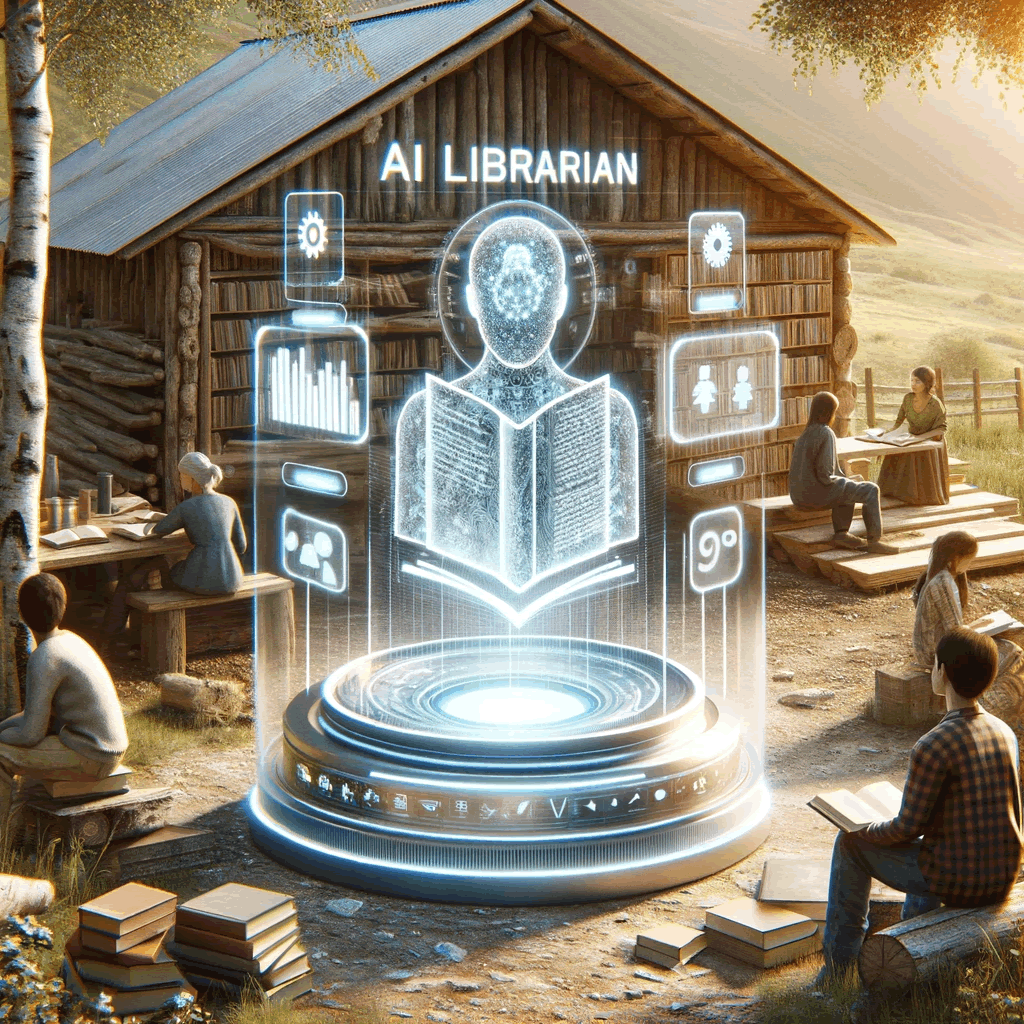
The Librarian
The Librarian is a privacy-first knowledge steward that runs entirely on your own hardware—typically a Raspberry Pi paired with a Meshtastic node. Communities can load their local Library with PDFs, text files, videos, and field guides, then ask questions in natural language over Wi-Fi or the Cyberpony Express mesh. Because everything is offline, the Librarian keeps working when the public internet fails.
Features
- Local LLM – Runs a lightweight model via Ollama so prompts never leave the outpost.
- Meshtastic integration – Offers a text interface over the mesh and can plug into RAG pipelines to cite local documents.
- Custom knowledge base – Drop new books or manuals into the Library and the Librarian immediately knows about them.
- Multi-modal delivery – Answers can be served over Wi-Fi with attachments or trimmed down to mesh-friendly text.
- Open source and extensible – All code lives in the HDI GitHub org, inviting contributions from guild members worldwide.
Recommended Hardware
- Raspberry Pi 5 (16 GB) with SSD or large microSD for the Library corpus
- Lilygo T-Beam Supreme or other Meshtastic-compatible radio plus a high-mounted antenna
- Optional: rugged nodes such as the Meshpocket for all-day battery life, or a T-Deck Plus handheld for typing directly on the mesh
Software Stack
- Ollama for model hosting
- OpenWebUI for a friendly web interface
- HDI Librarian software for orchestration, message logging, and Meshtastic hooks
Development Repository
Source, issues, and roadmaps live at github.com/High-Desert-Institute/Librarian.
Simplified Architecture
A radically simplified, free, open-source, Meshtastic-focused digital librarian built with just two Python scripts.
Development Styleguides
Before contributing, please read the relevant styleguide files in styleguides/:
styleguides/README.md- Styleguide overviewstyleguides/cli-development.md- CLI logging and interpretability guidelinesstyleguides/python-cli-development.md- Python-specific CLI development practicesstyleguides/java-cli-development.md- Java-specific CLI development practices
Then follow the application-specific requirements found in project-specification.md.
Project Overview
The Librarian is a radically simplified self-contained, off-grid digital assistant designed to operate on a Raspberry Pi 5. It consists of just two Python scripts that work together through CSV message files.
Simplified Architecture
Script 1: message_monitor.py - Monitors Meshtastic radio and logs all messages to CSV files
Script 2: response_generator.py - Monitors CSV files and generates responses for librarian mentions
Key Features
- CSV Message Logging: All messages logged to CSV files with full metadata for complete transparency
- Direct Message Q&A: Responds to private messages via local chatbot
- Group Chat Integration: Monitors group channels for messages starting with “librarian”
- Offline Operation: Fully functional without internet connectivity
- Simulation Modes: Both scripts can run without hardware for testing
- Maximum Transparency: All messages and responses visible in CSV files
- Natural Delay Philosophy: Responses take time due to compute limitations, creating a reflective interaction style
Repository Structure
Librarian/
├── AGENTS.md                    # Redirects to README.md for agent orientation
├── project-specification.md     # Detailed technical specification and requirements
├── project-roadmap.md          # Simplified development roadmap
├── social-context.md           # Social context, partnerships, and community impact
├── README.md                   # This file - project overview and current status
├── message_monitor.py          # Message monitoring script
├── response_generator.py       # Response generation script
├── requirements.txt             # Python dependencies
├── messages/                   # CSV files organized by radio hardware ID
│   ├── radio_001/             # Radio hardware ID directory
│   │   ├── dm_user123.csv     # Direct message chat
│   │   ├── group_decomp25.csv # Group chat
│   │   └── ...
│   ├── radio_002/             # Second radio hardware ID
│   │   └── ...
│   └── ...
├── logs/                       # Log files
│   ├── message_monitor.log
│   └── response_generator.log
└── styleguides/                # Development style guides
    ├── README.md               # Styleguide overview
    ├── cli-development.md      # CLI logging and interpretability guidelines
    ├── java-cli-development.md # Java-specific CLI development practices
    └── python-cli-development.md # Python-specific CLI development practices
Current Project Status
Development Phase: Simplified Architecture Planning
The project has been radically simplified to focus on core functionality with maximum transparency and debuggability.
Completed Tasks
- Project specification and requirements analysis
- Simplified roadmap creation (
project-roadmap.md) - Development styleguide documentation
- Simplified repository structure setup
- Architecture simplification to two Python scripts
Next Steps (Phase 1: Core Two-Script Implementation)
The immediate next steps include:
- Message Monitor Script (Phase 1.1)
- Create
message_monitor.pywith Meshtastic integration - Implement CSV file creation for each chat
- Add message logging with full metadata
- Implement simulation mode for testing
- Create
- Response Generator Script (Phase 1.2)
- Create
response_generator.pywith CSV monitoring - Implement detection of DMs and “librarian” mentions
- Add conversation context building
- Add simulation mode for testing without Ollama
- Create
Project Roadmap
The simplified development plan is detailed in project-roadmap.md, which includes:
5 Development Phases
- Core Two-Script Implementation
- Chatbot Integration and Message Sending
- Testing and Validation
- Deployment and Operations
- Future Enhancements (Optional)
Success Criteria
- Deployable on fresh Pi 5 in ≤60 minutes
- ≥90% accuracy on DM responses
- ≥95% of messages logged to CSV files with complete metadata
- 6+ hours battery operation
- Complete offline functionality
- Both scripts run in simulation mode for testing
Technical Architecture
The simplified system consists of just two key components:
- Message Monitor Script (
message_monitor.py): USB serial communication with LoRa radio, logs all messages to CSV files - Response Generator Script (
response_generator.py): Monitors CSV files, detects DMs and “librarian” mentions, generates responses via local chatbot
CSV Message Storage
- Each radio gets its own directory:
messages/{hardware_id}/ - Each chat (DM or group) gets its own CSV file within the radio directory
- Columns:
state,timestamp,sender,message,message_id,chat_type,chat_id - Provides complete audit trail of all messages and responses
- Supports multiple radios on the same system
Getting Started
Prerequisites
- Raspberry Pi 5 (16GB RAM recommended)
- Meshtastic LoRa radio (USB connection)
- Python 3.9+
- Ollama (ARM build) - optional, scripts have simulation modes
Installation (Future)
Once development is complete, installation will be:
- Flash Raspberry Pi OS (64-bit, Lite)
- Install dependencies:
pip install -r requirements.txt - Clone repository
- Run
python message_monitor.py(terminal 1) - Run
python response_generator.py(terminal 2)
CLI-First Operation
Both scripts follow CLI-first development principles:
Message Monitor Commands:
python message_monitor.py          # Normal operation
python message_monitor.py --test   # Simulation mode
python message_monitor.py --status # Show system status
Response Generator Commands:
python response_generator.py          # Normal operation
python response_generator.py --test   # Simulation mode
python response_generator.py --status # Show system status
Simulation Mode
Both scripts can run in simulation mode for testing without hardware:
message_monitor.py --testcreates test CSV files with sample messagesresponse_generator.py --testprocesses test messages and generates responses- All operations logged to
message_monitor.logandresponse_generator.log
Contributing
Before contributing, please read the styleguides listed at the top of this README and the detailed technical requirements in project-specification.md.
Documentation Maintenance
CRITICAL: Always update this README.md file whenever:
- Project details or structure change
- Progress is made on the roadmap
- New features are added or completed
- Repository structure is modified
- Development status changes
This README.md serves as the primary human-readable documentation and must remain current with all project changes. It should include:
- Current project status and phase
- Recent progress and completed tasks
- Updated repository structure
- Current roadmap position
- Any changes to development approach or requirements
Development Workflow
- Follow CLI-first development practices
- Implement comprehensive logging
- Create simulation mode functionality
- Update README.md with any changes
- Follow the simplified roadmap for feature development
Documentation
project-specification.md: Complete technical specification (simplified architecture)project-roadmap.md: Simplified development timeline (5 phases)social-context.md: Social context, partnerships, and community impactstyleguides/: Development best practices
License
This project is free and open-source. See the project specification for licensing details.
Contact
For questions about the project, please refer to the project specification and roadmap documents. The project follows a simplified development approach with clear phases and milestones.
Last updated: December 2024 Current phase: Simplified Architecture Planning Next milestone: Phase 1.1 - Message Monitor Script Implementation